HOT! -> How-To:
Main Menu:
- Main NW7US Page
- About NW7US
- About Amateur Radio
- Discussion Forums ( Hot!)
- Propagation Links
- Contact NW7US
Propagation Menu:
- Visual Space Weather
- Current Condition Report / Alerts
- Last Minute HF Forecast
- Current Forecast Section
- Sunspot Cycle/MUF/FOT Tables
- Current Optimal Frequencies
- Aurora Resources
- Educational Resources
- What's a CME?
How-To Articles:
- Is HF Propagation Reciprocal?
- De-mystifying HF Radio Propagation and Modeling
Check out the ACE-HF propagation software - the latest is version 2.05. ACE-HF is propagation forecasting and modeling for Amateur Radio as well as for Shortwave radio Listening and general HF operation. This software is even used by the military and other clients around the world. This software is developed and maintained by the same engineers that keep VOACAP up-to-date. As a result, this software is the most accurate user interface integrated with VOACAP. CHECK IT OUT, TODAY. This software is the most accurate modeling software available, and is endorsed by NW7US. Read the details to find out why.
Tomas David Hood - NW7US - that is me, the fellow that runs this website. I am a musician. You can listen to my music by clicking on the following banner, then click the 'Listen to All Tracks' button. If you would, please vote for each song. It helps me in my musical journey! (You can also leave me a comment on what you think about my music.)
Please help me keep this site running:
This website is kept alive by Tomas (NW7US), out of "spare change" (which there's not always enough of), and, by the kind, helpful people who visit this website. Would you like to help me keep this site running 24/7? If you are able to help me keep this website up and running, please: help me keep this site running for everyone... click on this donation button:
There are other ways that you can help me keep this site up and running. Here are a few other ways:
1. Send your donation via postal service. Make your donation payable to: Tomas Hood, PO Box 9, Stevensville, Montana 59870-0009.
2. Purchase ACE-HF PRO Propagation Software Version 2.05 - a small proceed will be sent to HFRadio.org to help keep the site running. Be sure to mention that you are buying this software through HFRadio.org.
3. Purchase one or more of the following Solar Terrestrial Dispatch (STD) products, and a small proceed will be sent to HFRadio.org:
4. Make a purchase through the HFRadio.org affiliation with Amazon.com.
Other links of interest:
- PropNET - live propagation studies
Want to learn about Propagation and Space Weather? - Take the STD Space Weather Education Course, today!
- Shortwave Radio Resource Center
- Shortwave Broadcasting Search
Comments? Please use the feedback form. I look forward to hearing your comments.
Check out some of the other activities that I am involved in:
More resources for you:
Subscribe to my Space WX RSS Feed:
( Opera 9.x):
|
|
- Over 25 new types of internet resources are now tracked and maintained, bringing the total number of tracked internet resources to over 88.
- New POLAR spacecraft PIXIE image support of auroral x-ray activity.
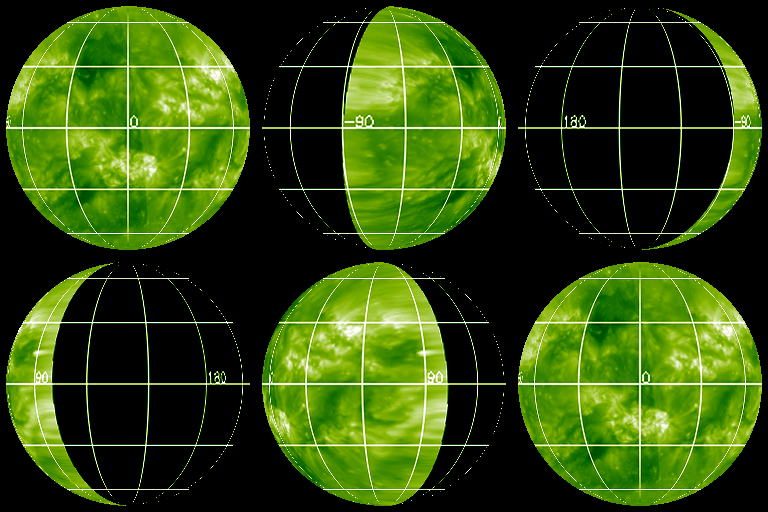
- New SOHO-derived helioseismic imagery of solar activity on the far-side of the Sun.
- New near-realtime Yohkoh-derived x-ray imagery with higher cadences.
- New near-realtime radio spectrogram images from Culgoora Solar Observatory.
- New GOES SXI spacecraft support, providing up to 7 different types of near-realtime solar x-ray imagery.
- New MSFC derived high-resolution images of the vector magnetic fields of active sunspot regions.
- New ACE EPAM image plots.
- New support for over 10 types of ground-based geomagnetic activity plots from a variety of magnetic observatories.
- New SuperDarn Auroral Radar imagery.
- New near-realtime dynamic bow-shock and magnetopause modelling images.
- New support of the "live" auroral activity discussion forum (IRC).
- Redesigned layout of resources into a more orderly manner.
- Now you can Save and/or Delete individual frames of images collected by the STD Aurora Monitor.
- At the click of a button, delete all images associated with the STD Aurora Monitor - to help clean up your hard-disk or to reset the software.
- New redesigned and independent "Reset" utility program provided to fully recover from the possible effects of corrupted imagery.
Older Version 2 List of Features (included in Version 3.0):
- Four auroral activity models are used to reliably predict potential visible auroral activity over the high, middle and low latitudes. A set of "traffic lights" are used for each of these three latitude regions to display the results. Watch the lights change from green (no auroral activity expected) to yellow (auroral activity watch conditions) to red (auroral activity warning conditions) for each of the three latitude zones.
- Automatically fetch a variety of spacecraft and ground-based auroral activity imagery in near-realtime and at intervals you choose. Watch auroral activity as it happens!
- At the click of a button, animate the images you retrieve into movies of activity. You can even pause the movie, step frame by frame (either forward or backward) through the movie, and even fast forward or rewind the movie at the click of a button.
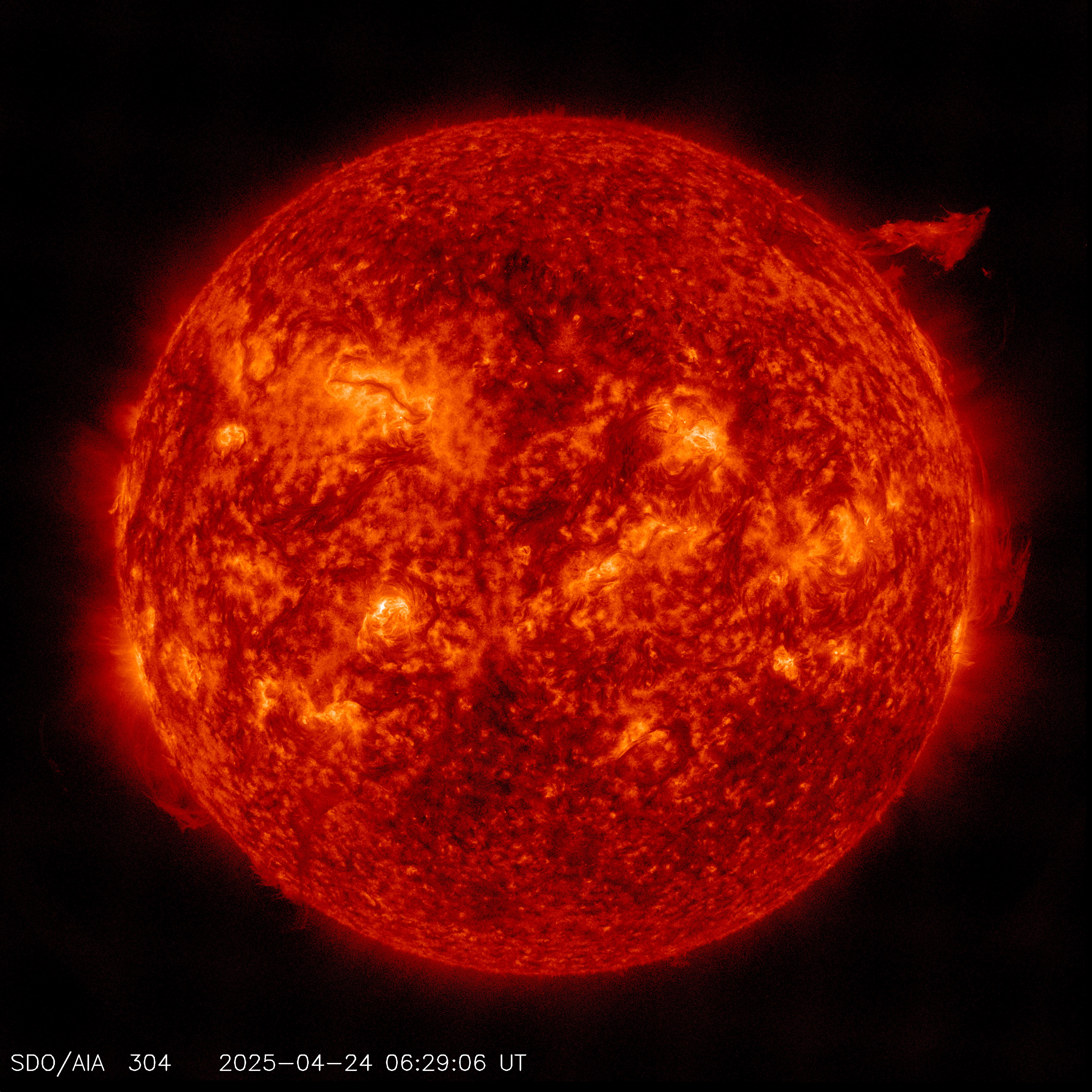
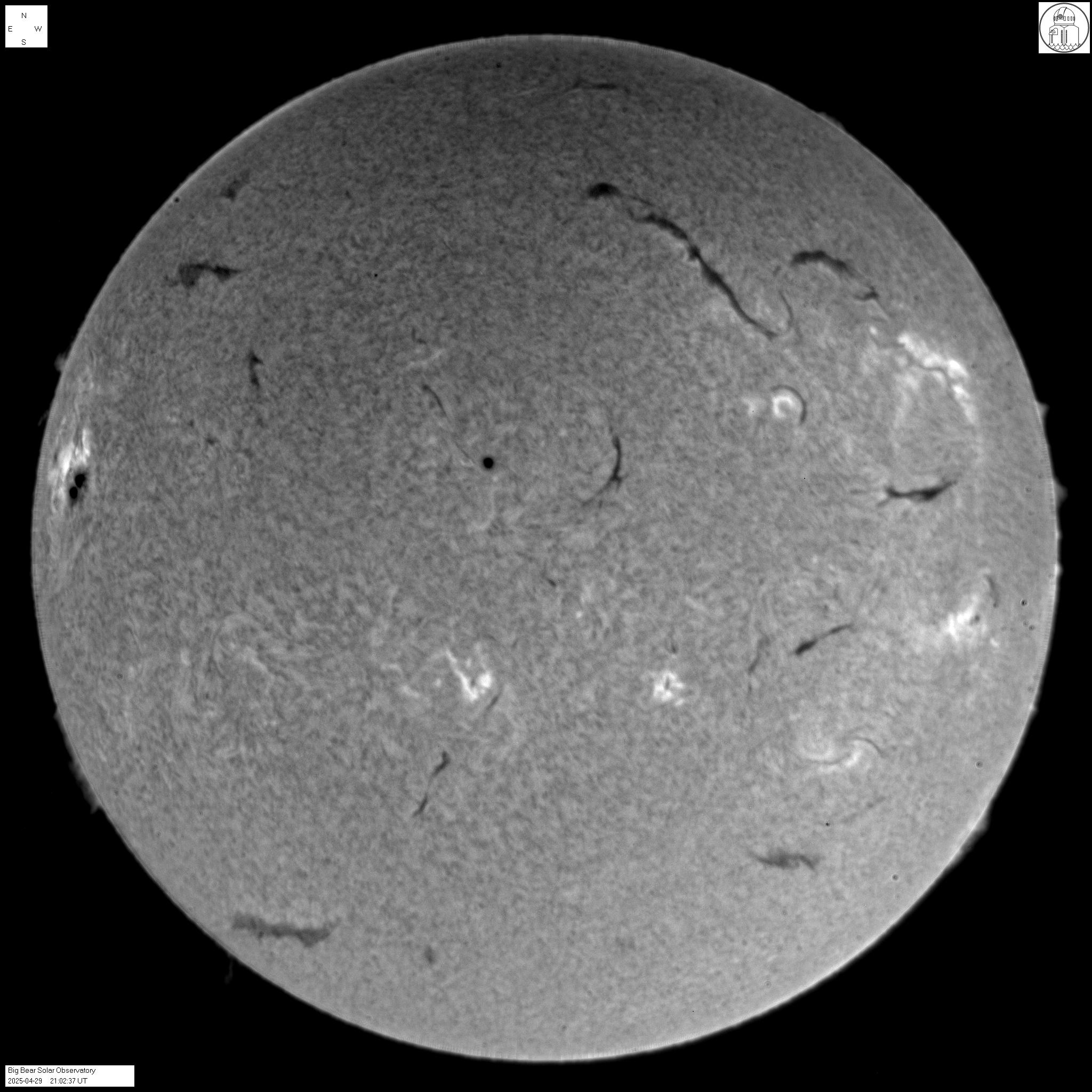
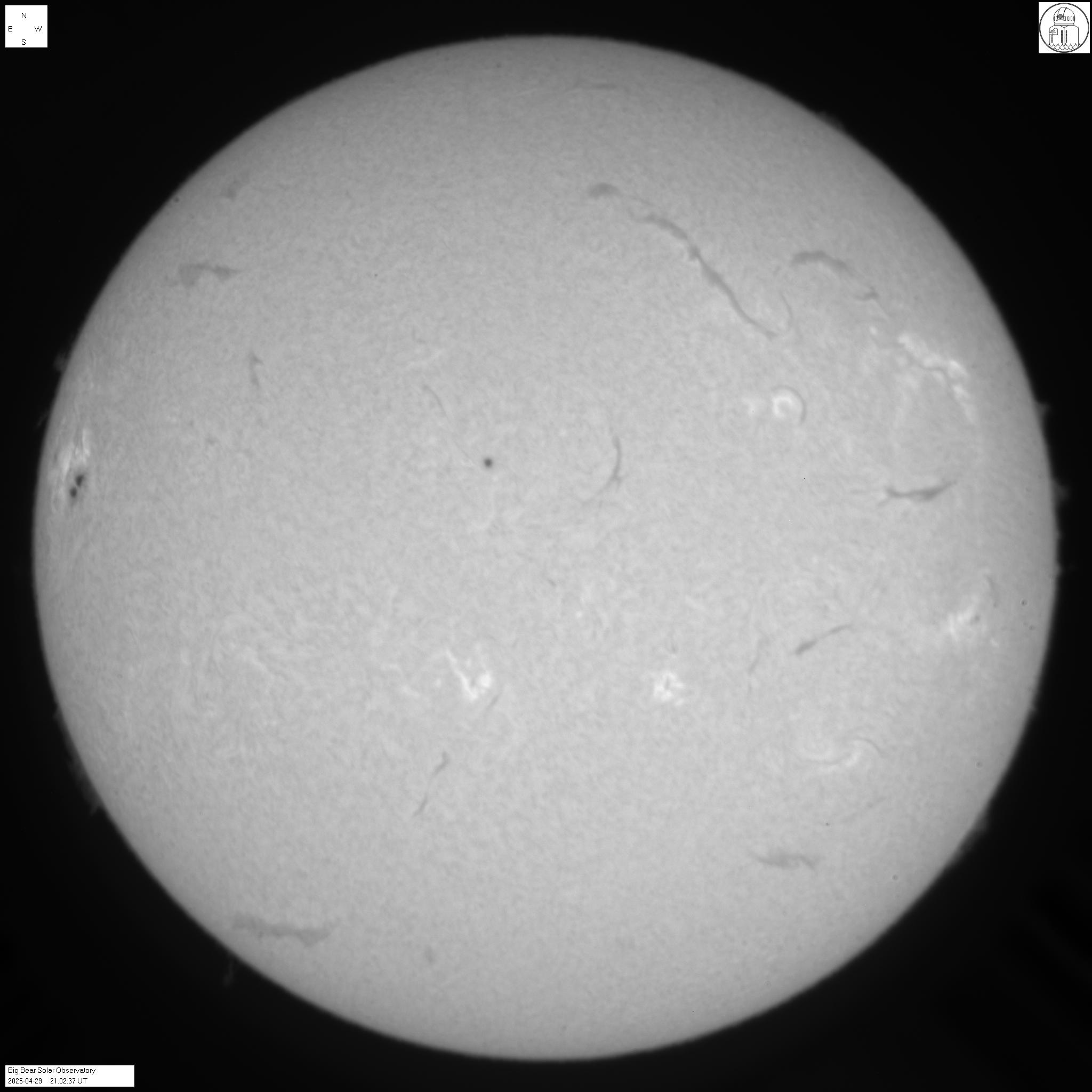
- Display and animate Solar Imagery from a variety of sources, a few of which include: SOHO spacecraft, Yohkoh x-ray spacecraft, profesional solar observatories such as Big Bear Solar Observatory and real-time solar imagery from Sacramento Peak, NM and Kanzelhohe Solar Observatory, Austria. We will soon supplement the real-time hydrogen-alpha solar imagery with new imagery from Mauna Loa Solar Observatory.
- Display and animate satellite weather pictures of clouds and their motions on the Earth for many regions of the world, including the U.S., Canada, Alaska, Hawaii, Europe, Africa, Australia, New Zealand, east Asia, Japan and South America.
- Display plots of solar x-rays, space environment conditions and even solar wind conditions in near real-time.
- Post your own auroral activity sightings to the Auroral Activity Observation Network (a global database of ground-based auroral activity sightings supported by professionals and amateurs world-wide). Your observations are then distributed to all other users of the STD Aurora Monitor as well as throughout the Auroral Activity Observation Network within about 2 minutes.
- Receive auroral activity sightings from the Auroral Activity Observation Network within 2 minutes of their submission. You can instruct the STD Aurora Monitor to automatically notify you through your computers sound system when any new sightings are received.
- Participate in a Discussion Forum through the STD Aurora Monitor. Discuss recent sightings, aurora photography or other aurora-related topics in an informal environment with other aurora enthusiasts. Receive new forum items within 2 minutes of their submission to the forum. Send your own comments to the forum and see them appear within 2 minutes.
- Receive the latest forecasts and daily summaries. Instruct the software to automatically notify you through your comptuers sound system when new forecast notes are received from forecasters monitoring auroral storm conditions.
- Read the latest auroral activity watches and warnings. Receive automatic audible notification when new watches or warnings are received.
- Receive audible warnings of minor and major solar flares.
- Includes an extensive glossary of terms for those who would like to understand the meaning of terms used in discussions or included in forecast reports.
- Calculate your geomagnetic latitude based on your geographic coordinates and determine what latitude zone (high, middle, or low) you belong to for observing auroral activity.
- Maintain up to 50 different configurations and switch between them effortlessly. For example, one configuration could be set up to display and animate only auroral activity imagery while another configuration could be set up that would only display and animate solar activity imagery or weather satellite imagery (or any mixture of imagery).
System Requirements:
- Windows 95, Windows 98, Windows NT4.0, Windows 2000, Windows ME, or Windows XP.
- At least an 800 x 600 video display (preferably 1024 x 768).
- 12 megabytes RAM
- 30 megabytes minimum hard-disk space.
- Pentium-class processor recommended.
- Internet world wide web (WWW) access.
- Dedicated internet connection is not required.
Securely Purchase the STD Aurora Monitor
STD Aurora Monitor FREE Trial Download
FREE TRIAL VERSION 2.0 DOWNLOAD
This trial is not equivalent to the full Version 3.0 non-trial version. This trial version contains numerous known bugs which have been corrected in the purchased Version 3.0 software.
The purchased version has undergone numerous minor revisions (more than 30) and at least one major revision since
the trial was released and contains many new features not found in this trial.
There is no official support for this trial version. Furthermore, we cannot guarantee that the software will continue to operate correctly in the future.
TRIAL VERSION 2.0 INSTALLATION INSTRUCTIONS:
- First, if you have already installed a previous trial version of the software, uninstall any previous installation of this software by clicking on Start | Settings | Control Panel and double-clicking on the Add/Remove Programs icon. Then scroll down the list of available programs and click to highlight the STD Aurora Monitor. Then click the Add/Remove button to begin uninstalling the software. If you don't see the STD Aurora Monitor in the scroll-down list, then you probably haven't installed the software yet.
-
- Download the STD Aurora Monitor (2.7 megabytes) from the following site:
- While the software is busy downloading, read the rest of these instructions.
- After the file "trial.zip" has downloaded, unzip the software using WinZip or PKUNZIP into a temporary folder. You can find WinZip here if you don't already have it. Please note that your web browser may automatically ask you if you would like to open the file using WinZip. If this occurs, select the option that allows the browser to automatically open the zip file.
- After you have extracted the contents of the ZIP file to a temporary folder, click on Start | Run | Browse to the temporary folder where you told your web browser you were going to save it. Once there, double-click on the "Setup" file to begin the installation. Please note that some web browsers may permit you to automatically run the extracted Setup file. If this occurs, select the option that will run the Setup program.
- Answer any prompts that appear. The software should automatically install.
- The software should now be available to run by clicking on Start | Programs and going to the STD Aurora Monitor.
- Set up the Internet Connectivity Options according to how you connect to the Internet. If you connect to the Internet through a firewall, type in the appropriate information (contact your local system administrator or Internet Service Provider if you are uncertain what to type). The SMTP (Mail) options are particularly important if you plan on participating in the Discussion Forum or if you plan to send sighting reports. Finally, select the types of warnings or alerts (if any) you would like to receive audible notifications for and click the Save Options button when done.
- Click on the Space-Based tab followed by the Refresh All button to load a full set of data.
- Enjoy...
If you have any problems operating the software, please visit the STD Troubleshooting page. If that fails to resolve your problem, email: STD@Solar.Spacew.Com.
To run this software, you must already be connected to the Internet. If you are not, connect first, then run the
STD Aurora Monitor. This software will not automatically dial your Internet Service Provider or hang up the phone when it is done. You are expected to do this yourself.
Please remember: Your purchase of this software will entitle you to the full Version 3.0 product, with the ability to pull down satellite weather pictures, solar activity imagery and MUCH *MUCH* more.
|
|